Best SVG Styles for Websites
Hero art, spot illustrations, and empty states that are yours — not the unDraw set every other site is using. Clean, themeable, and feather-light.
Styles that work
Reach for these — they hold up for this job.
Flat illustration
The workhorse for hero sections and feature spots — modern, friendly, on-brand.
Line art
Featherweight empty states and inline accents that theme with a single CSS color.
Isometric
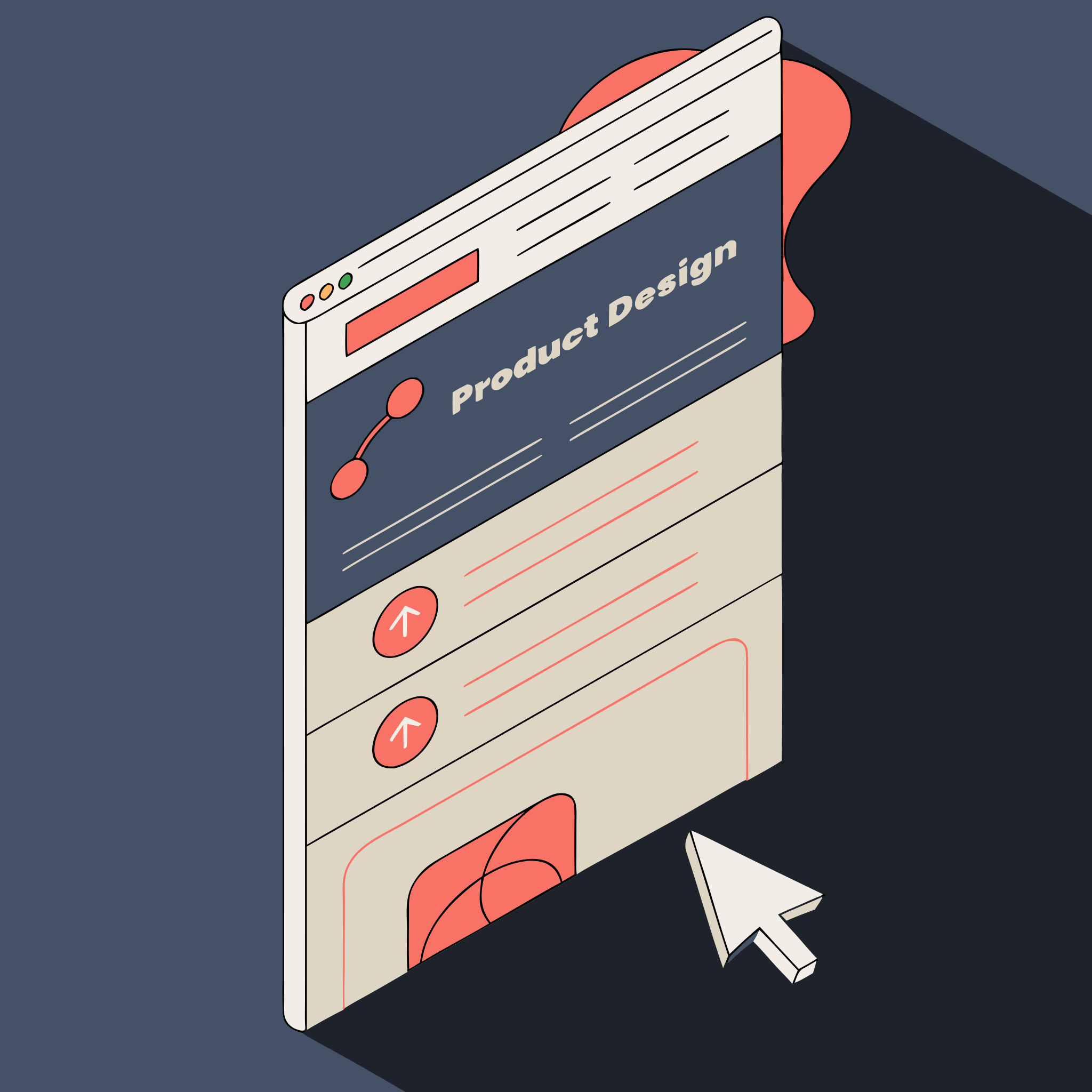
High-end product and landing visuals that make a SaaS look funded.
Geometric
Abstract section backgrounds and dividers that never compete with copy.
Styles to avoid
Beautiful elsewhere — wrong tool for this job.
Detailed / photoreal
Heavy node counts bloat the bundle and slow first paint.
Watercolor
Raster-flavored — loses the crisp, scalable point of using SVG on the web.
Best SVG Styles for Websites, answered
01Will these theme with dark mode?+
02How is this different from unDraw or Storyset?+
03Can I drop it straight into React or Figma?+
Pick the right style for the job
Best SVG Styles for Cricut
Which styles cut cleanly — and which fight the blade.
Best SVG Styles for T‑Shirts
Bold, legible styles that read at arm’s length.
Best SVG Styles for Logos
Marks that stay sharp from favicon to billboard.
Best SVG Styles for Etsy
Commercial, on-trend styles buyers search for.
Best SVG Styles for Animation
Shapes and paths that animate without breaking.
Best SVG Styles for Presentations
Deck art that reads as designed — sharp on any projector.
Best SVG Styles for Marketing
On-brand blog, social, and SaaS concept visuals.
Best SVG Styles for Icons
Consistent icon sets a design system can ship.
Generate in any of these styles
Describe it, pick a style, edit every path. Free to start.