Dashboard Chart Art
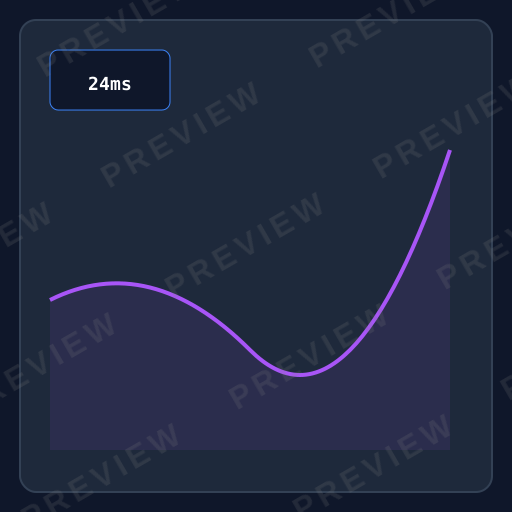
Premium dark analytics theme with gradient bars and professional polish

How do you make Dashboard Chart SVG art?
Describe any subject and pick the Dashboard Chart style — Clearly generates a clean, editable vector in seconds, with Dashboard Chart’s signature look (dark background theme, gradient data elements, high information density), ready for Cricut, print, or the web. No design software needed; free to generate and preview, with commercial-license exports on a plan.
About Dashboard Chart style
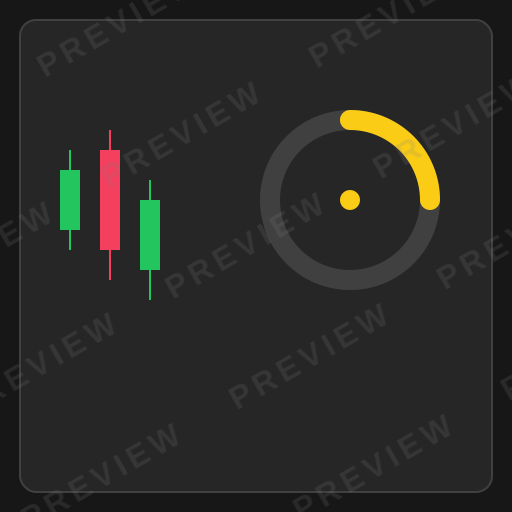
Dashboard chart SVG creates the premium, data-dense aesthetic of professional analytics platforms. With dark backgrounds, gradient-filled data elements, tight information density, and the kind of polished craftsmanship found in Bloomberg Terminal and Datadog, this style makes complex data beautiful and actionable.
About Dashboard Chart design
The analytics dashboard has become the primary interface through which modern organizations understand their operations. From Bloomberg Terminal in finance to Datadog in infrastructure monitoring to Amplitude in product analytics, the dashboard is where raw data becomes actionable intelligence. The visual language of these platforms — dark backgrounds, gradient-accented data elements, tight multi-chart layouts, and professional typographic systems — has coalesced into a recognizable genre that communicates analytical seriousness.
Dashboard chart design prioritizes information density above all else. Unlike editorial or presentation charts that focus on a single insight, dashboard charts must pack multiple data series, time ranges, and comparison metrics into compact panels that analysts scan repeatedly throughout the day. Every pixel earns its place. The dark background is not merely aesthetic — it reduces eye strain during extended viewing sessions and creates natural contrast for data elements.
The influence of professional dashboard design now extends to any product that wants to signal analytical capability. Admin panels, internal tools, business intelligence reports, and even consumer fitness apps adopt the dashboard chart aesthetic, recognizing that users associate this visual language with precision, depth, and professional-grade data handling.
Design principles
Information density
Pack maximum data into minimum space without sacrificing legibility. Dashboard charts are designed for repeated scanning, not first-time comprehension, so denser layouts serve expert users better.
Dark background for endurance
Use dark backgrounds (#1A1A2E or similar) to reduce eye strain during extended use. The dark canvas also creates natural contrast for gradient-filled data elements.
Multi-chart composition
Design individual charts as modular panels that compose into grid layouts. Each panel should be self-contained with its own title, axis, and data but visually harmonize with neighboring panels.
Real-time readiness
Structure charts to accommodate live-updating data: smooth transitions for value changes, timestamp indicators, and visual states for loading, stale, and error conditions.
Design tips for Dashboard Chart
Use gradient fills on data bars and areas that transition from a saturated color to a slightly darker shade — this adds dimensionality without the noise of 3D effects.
Maintain a strict 8px grid for all panel spacing, padding, and margins to create the quiet visual order that makes dense layouts feel organized rather than cluttered.
Add subtle separator lines between dashboard panels at very low opacity (10-15%) to define boundaries without creating visual weight that competes with data.
Use a monospace or tabular-numeral font for data values so digits align vertically, making column scanning faster and comparisons more immediate.
Use cases
Analytics and BI platforms
Products like Mixpanel, Amplitude, and Looker need charts that present complex, multi-dimensional data to analysts who spend hours daily in the interface.
Financial trading interfaces
Trading platforms, portfolio managers, and market analysis tools use dashboard charts to present real-time price data, volume, and technical indicators at professional density.
Infrastructure monitoring
DevOps and SRE teams monitoring server health, API latency, error rates, and deployment metrics rely on dashboard-style charts for rapid anomaly detection.
Admin panels and internal tools
SaaS admin panels presenting user metrics, revenue data, feature adoption, and support ticket analytics adopt the dashboard aesthetic for credibility and functionality.
Real-time operations centers
NOCs, SOCs, and logistics control rooms use multi-panel dashboard layouts to monitor live operations across multiple data streams simultaneously.
Compare styles
vs. Editorial Chart
Editorial charts are designed for first-time readers encountering data once; dashboard charts are designed for expert users who scan the same metrics daily. Editorial charts explain; dashboard charts inform at a glance.
vs. Startup Chart
Startup charts prioritize brand polish and visual breathing room, often showing a single metric beautifully. Dashboard charts prioritize information density and multi-metric layouts, sacrificing whitespace for data coverage.
Style characteristics
- Dark background theme
- Gradient data elements
- High information density
- Professional polish
- Multi-chart layouts
Best for
- ✓Analytics platforms
- ✓Trading interfaces
- ✓Admin panels
- ✓Business intelligence
- ✓Real-time monitoring
Create Dashboard Chart art with AI
Describe your vision
Tell AI what you want in dashboard chart style.
AI generates
Get a unique dashboard chart SVG in seconds.
Download & use
Editable SVG for any project — commercial use on a paid plan.
Browse Charts, Data & Social Media styles
Explore all styles in this category, or browse the full Style Encyclopedia.
Editorial Chart
NYT and Bloomberg-style data visualization with serif typography feel
Minimal Chart
Tufte-inspired maximum data-ink ratio with no chartjunk
Startup Chart
Stripe and Linear-inspired gradient fills with modern SaaS polish
Neon Glow Chart
Cyberpunk dashboard aesthetics with glowing lines on dark backgrounds
Retro Chart
1970s warm earthy tones with dot overlays and nostalgic charm
Glassmorphism Chart
Frosted glass translucent elements on gradient backgrounds
Watercolor Chart
Soft artistic washes making data feel organic and approachable
Instagram Aesthetic
Muted desaturated lifestyle graphics optimized for square social feeds
YouTube Thumbnail
Maximum visual impact with bold contrast and click-driving composition
Story / Reel
Vertical 9:16 sticker-style illustrations for Instagram and TikTok
Meme / Reaction
Bold simple shareable graphics with instant readability and viral potential
Dashboard Chart SVGs by category
Browse dashboard chart designs for a specific subject — each generated to order, then editable.
Dashboard Chart Animals
Animals in dashboard chart style.
Dashboard Chart Flowers
Flowers in dashboard chart style.
Dashboard Chart Nature
Nature in dashboard chart style.
Dashboard Chart Holidays
Holidays in dashboard chart style.
Dashboard Chart Food & Drinks
Food & Drinks in dashboard chart style.
Dashboard Chart Sea Life
Sea Life in dashboard chart style.
Dashboard Chart Basic Shapes
Basic Shapes in dashboard chart style.
Dashboard Chart Crafts & DIY
Crafts & DIY in dashboard chart style.
Dashboard Chart Borders & Frames
Borders & Frames in dashboard chart style.
Frequently asked questions
01What is Dashboard Chart art?+
02What are the key characteristics of Dashboard Chart style?+
03Can I generate Dashboard Chart SVGs with AI?+
Ready-made
Ready-made Dashboard Chart vectors
Hand-curated dashboard chart SVGs, licensable now — $<OneTimePrice /> once, commercial use, no subscription.



Create Dashboard Chart art today
Generate unique dashboard chart SVG designs with AI. Preview free, no design skills needed — $<OneTimePrice /> once for a commercially-licensed SVG, no subscription.